Euer Konto als Paar anlegen
Ein kostenloses Konto für euch beide: was wir fragen, der Code per E-Mail und wie ihr euch beim nächsten Mal ohne Passwort anmeldet.
Das Eventadore-Team3 Min. LesezeitAktualisiert am 19. Oktober 2026
OriginalÜbersetzung lesen

You can search, compare prices and put your whole wedding together in your Planning without an account. You need one to save suppliers, ask them a question, reserve, and use the tools — checklist, budget, guest list, website. It is free and takes about a minute.
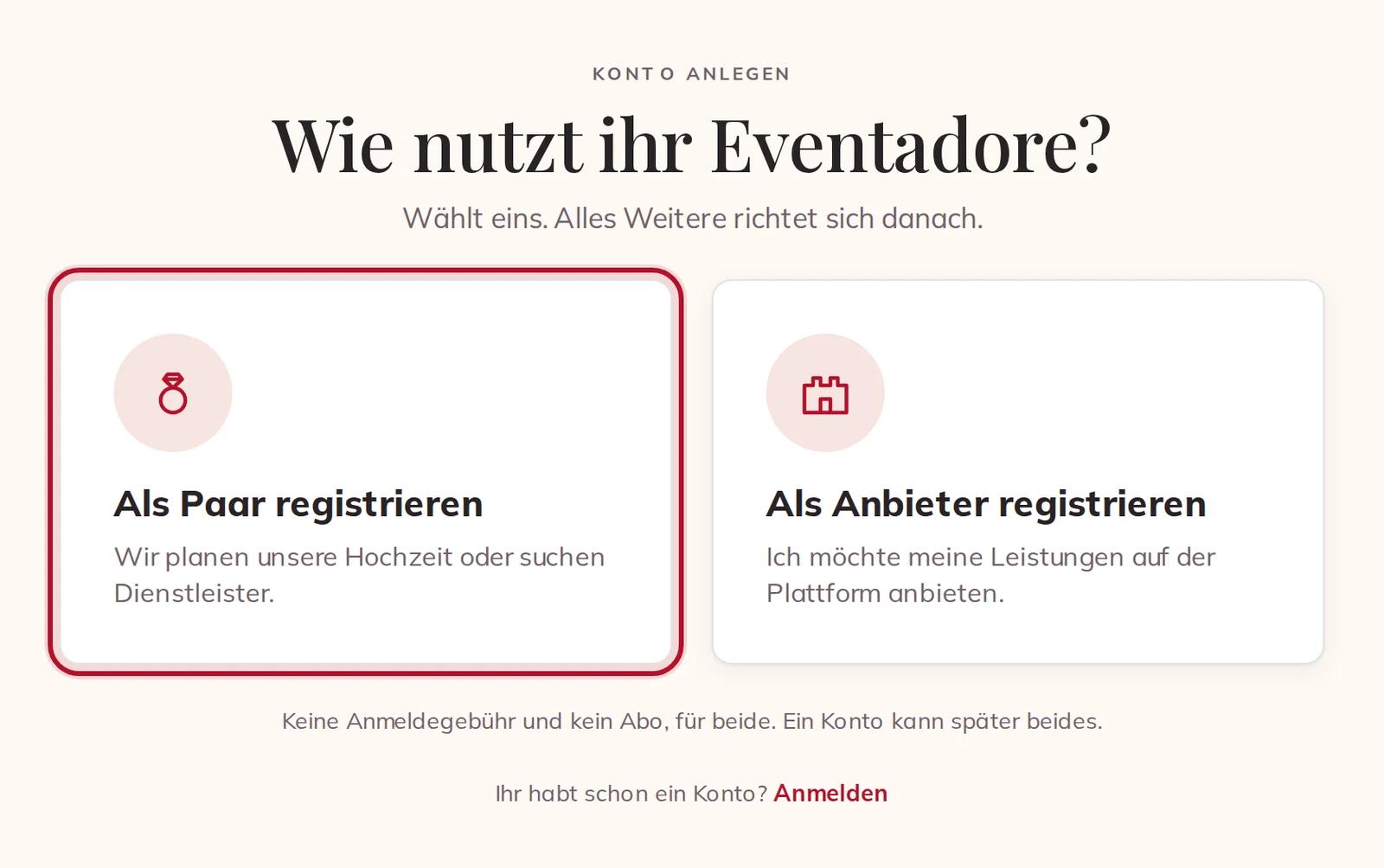
1 · Choose how you will use Eventadore
Press Sign up at the top of any page. The first question is how you will use Eventadore: choose Register as a couple. There is no fee and no subscription, and one account can run a business later too.
2 · Tell us who you are
- Your name — the suppliers you write to see it on your request.
- Email — where your code, your confirmations and your invoices go.
- Phone (optional) — only so a supplier can reach you at short notice.
- Password (optional) — without one, we send you a code each time you sign in. Both ways keep working.

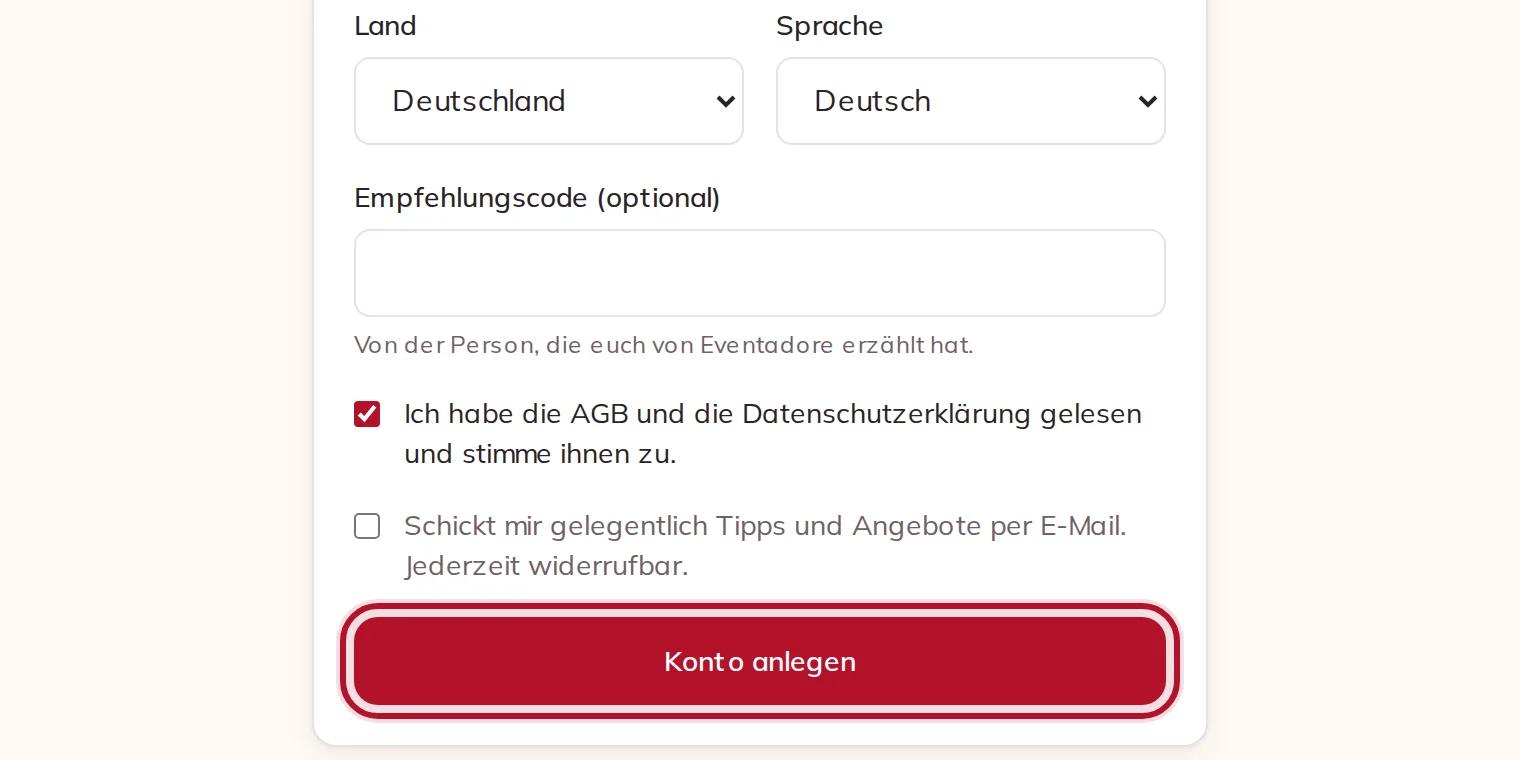
Then choose your Country and the Language for our emails. Nobody is refused for where they live: if your country is not in the list, choose Another country (International). If somebody gave you a Referral code, it goes here.
Tick I have read and accept the terms and the privacy policy — we cannot open an account without it. The box for tips and offers is up to you and never ticked for you. Press Create account.
3 · Confirm your email
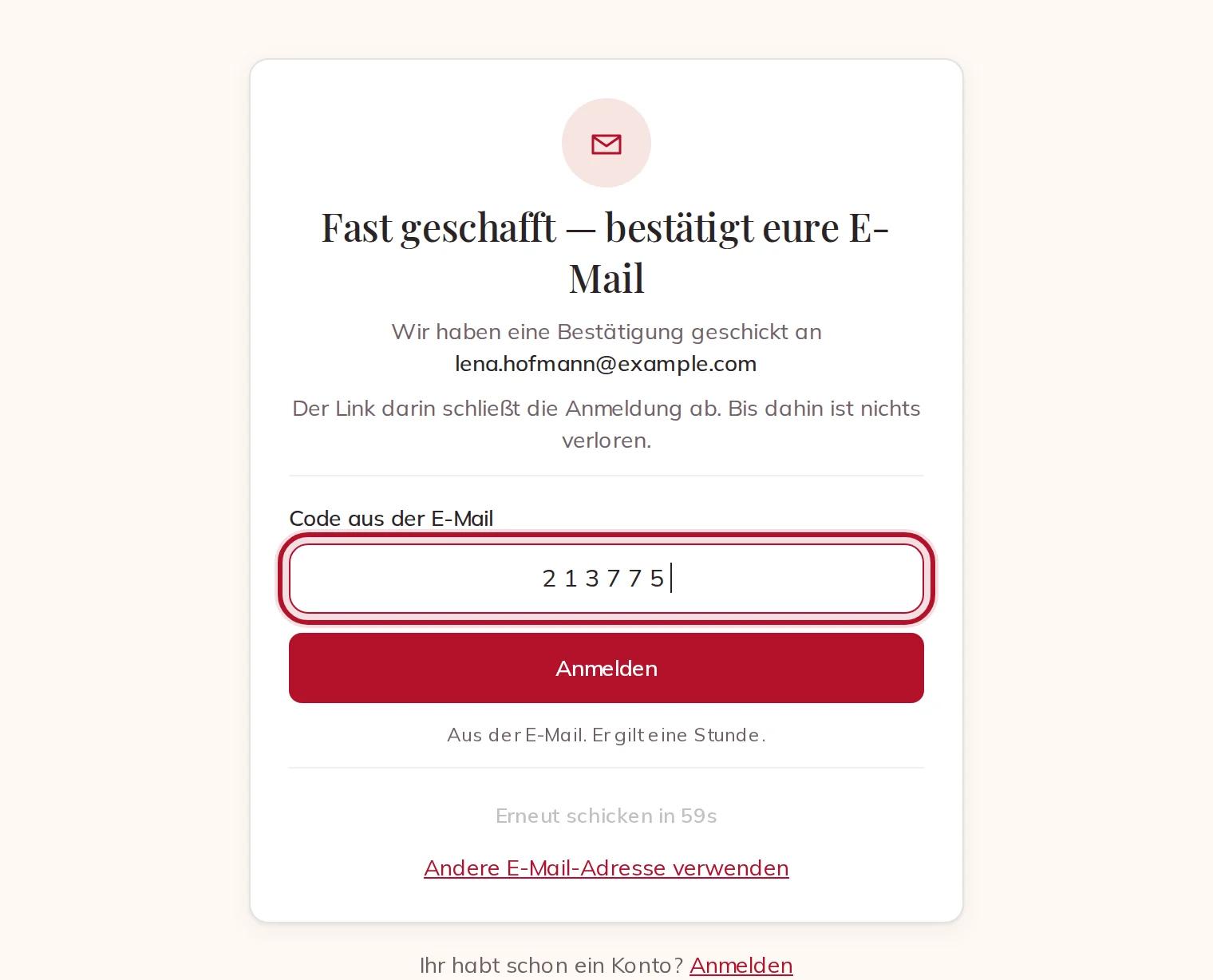
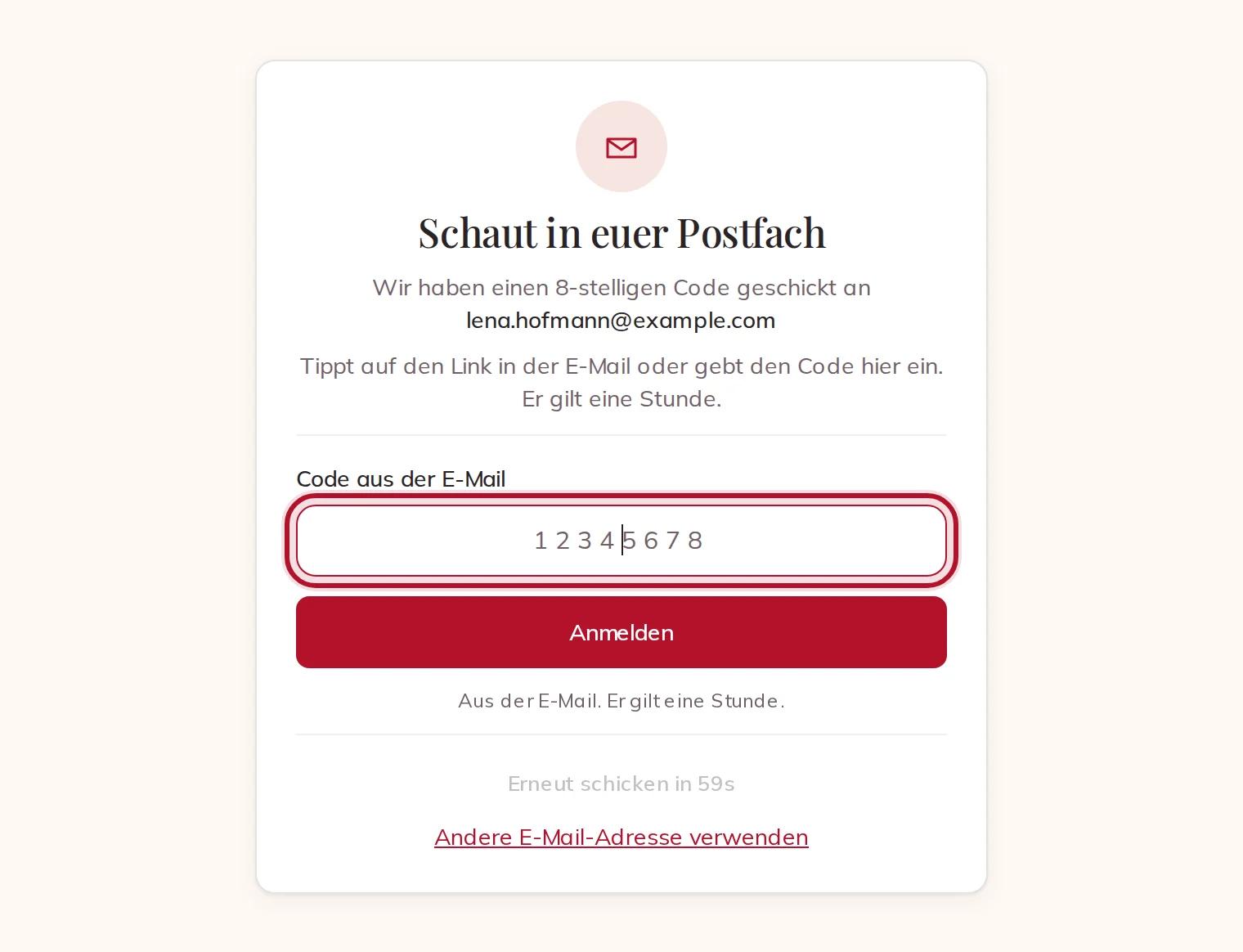
We send you an email with a link and an 8-digit code. Tap the link, or type the code and press Sign in. The code is valid for one hour.
4 · Welcome
Your account is ready. If you like, tell us Where, the Date and how many Guests, and Find suppliers shows what each supplier costs for that day, all in. You can also Ask the AI planner instead, or skip and look around.
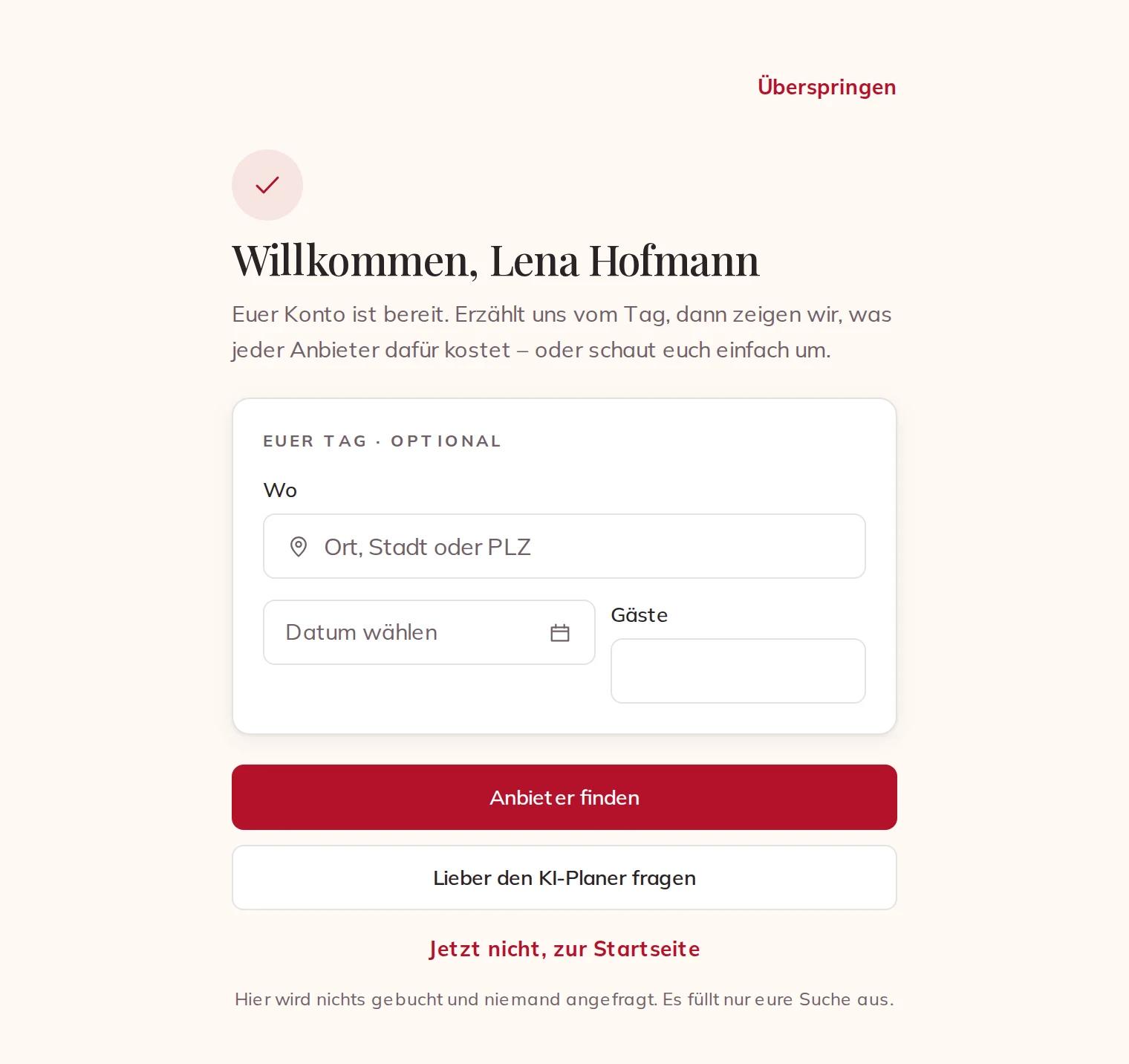
If you were in the middle of something — your Planning, a question to a supplier, your wedding website — you go straight back to it.
Signing in next time
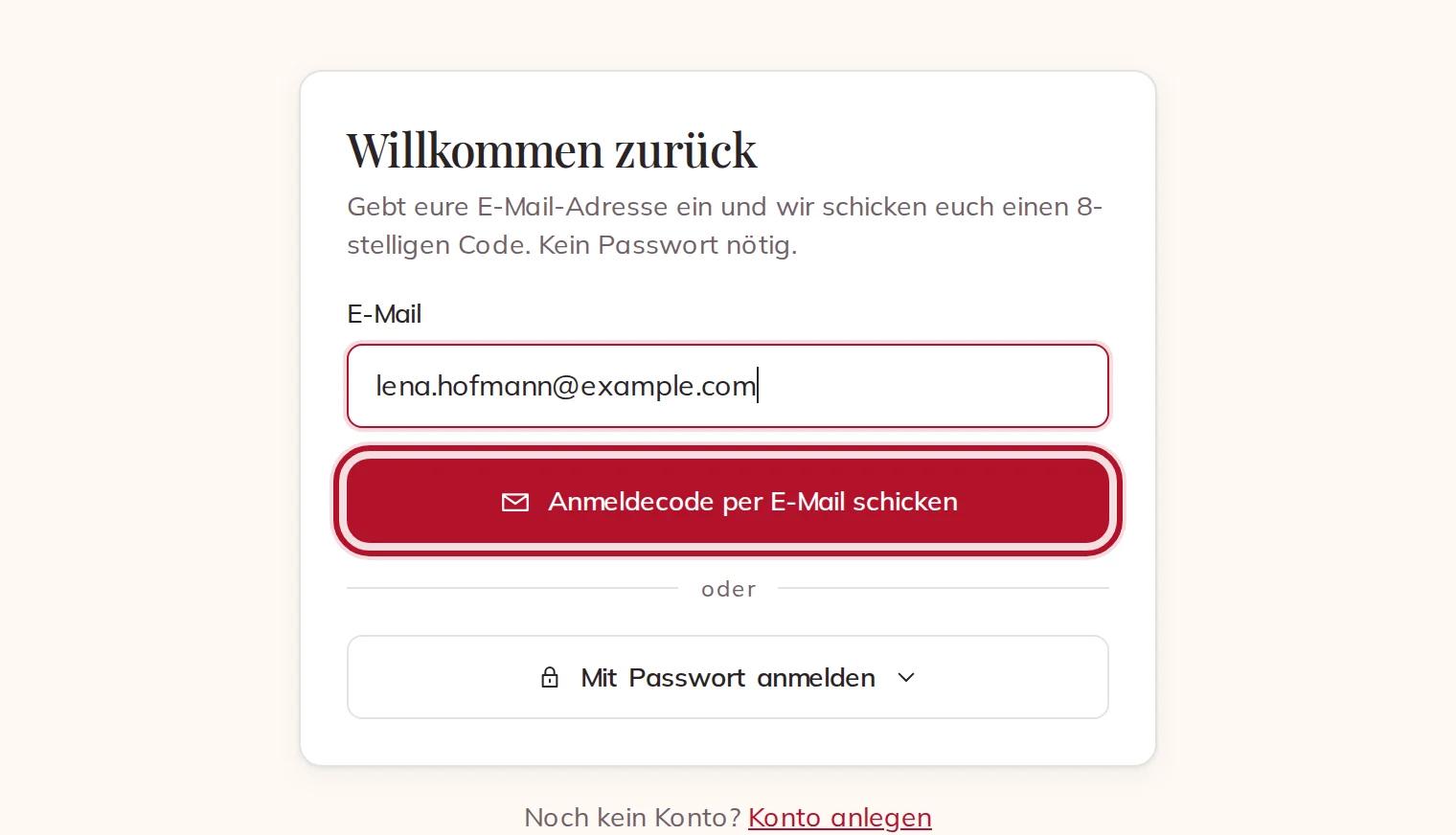
Press Sign in, type your email and press Email me a sign-in code. No password needed.
Type the 8-digit code from the email, and you are in.
If you set a password, choose Use a password instead. Forgot it? Email me a code instead — the code is the way back in, there is no separate reset.
Planning together
Each of you has your own account. From your Planning, press Invite co-planners, add your partner's email and choose Partner. They create their account with that same address, and your planning is theirs too. We do not email them for you, so let them know.
On the phone
The Eventadore app works the same way: on the sign-in screen press No account yet?, fill in the same fields, and type the code from the email.